
 Krystine
Cloud vs on-premise POS systems
This is about where your sales data is stored and how you reach it.
| Cloud POS system | On-premise POS system | |
| Where data lives | Online, synced from the device | On a computer or server in the shop |
| Check sales from home | Yes, from a phone | Usually no |
| Updates | Automatic | Manual, sometimes paid |
| Pricing | Monthly or yearly subscription | Often a one-off licence plus hardware |
| Watch out for | Internet outages: ask about offline mode | Data loss if the machine fails |
Most new POS systems in Malaysia are cloud-based. On-premise systems still appear in older restaurants and larger retailers with in-house IT.
Types of POS systems by device
Phone or tablet POS
A POS app on a phone or tablet, often paired with a payment device and a printer. It’s cheap to start and easy to move around. It suits stalls, pop-ups, small cafes and tableside ordering.
Payment-first devices
Some businesses start with the payment step and add the rest later. A QR soundbox announces each DuitNow QR payment out loud, so staff never need to check a customer’s phone screen. A card terminal adds Visa and Mastercard, chip or contactless.
On EPOS360, the Soundbox S1 handles static DuitNow QR with instant confirmation, and BlueTap A01 adds cards and dynamic QR. Both link to the same app for sales tracking.
All-in-one POS terminal
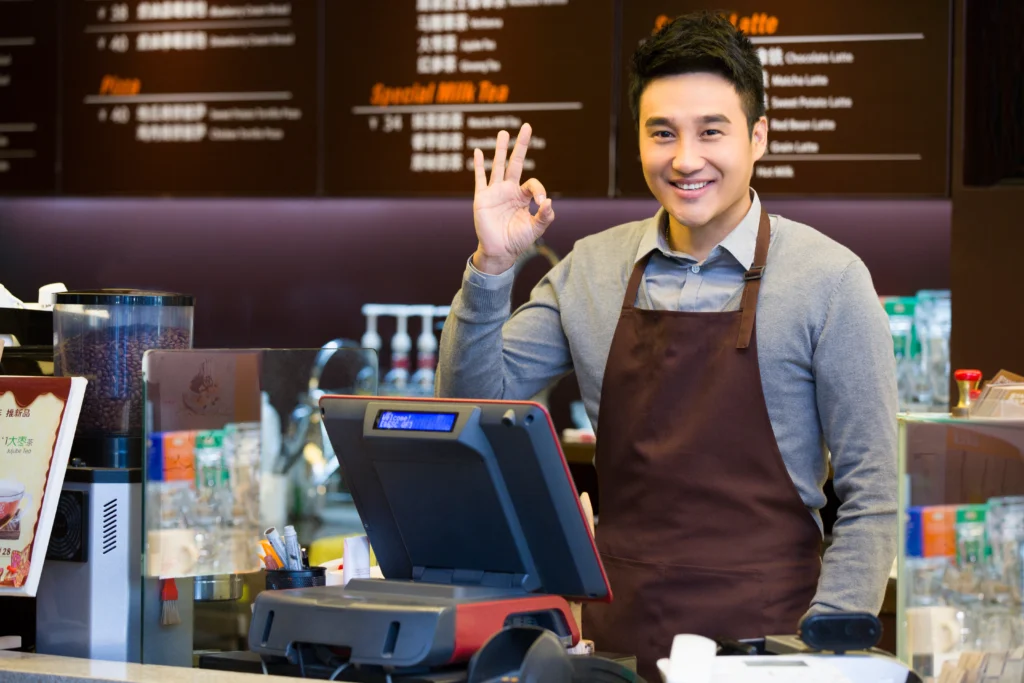
One device holds the screen, the software and the payment reader, sometimes with a built-in printer. It saves counter space and suits kiosks, cafes and quick-service restaurants. Our guide to choosing a POS terminal covers what the hardware should do.
Full countertop POS setup
A larger screen, cash drawer, receipt printer, barcode scanner and sometimes a customer display. It suits busy retail counters and restaurants with high volume at one till. It costs more and takes more space.
Self-service kiosks and QR self-ordering
Customers order and pay without a cashier. Kiosks are standalone screens; QR ordering turns each diner’s phone into the ordering device. QR ordering costs far less to roll out, since customers bring their own screens. See QR code ordering vs scan-to-order for how the versions differ.
Types of POS systems by business
-
Retail POS systems focus on products, barcodes, variants and stock counts. Read retail POS system for small shops.
-
F&B POS systems handle menus with modifiers, kitchen tickets, tables and delivery orders. Read the F&B POS system guide.
-
Cloud kitchen POS systems prioritise delivery platforms and multi-brand orders over tables. Read POS for cloud kitchens.
-
Multi-outlet POS systems add central menus, staff and reports across branches. Read the multi-outlet POS guide.
Many modern systems are all-in-one: payments, ordering, delivery and loyalty in one app. The trade-off is depth in any single area, which matters most for complex retail inventory.
Which type of POS system fits your business?
| Business | Device type | Data | What matters most |
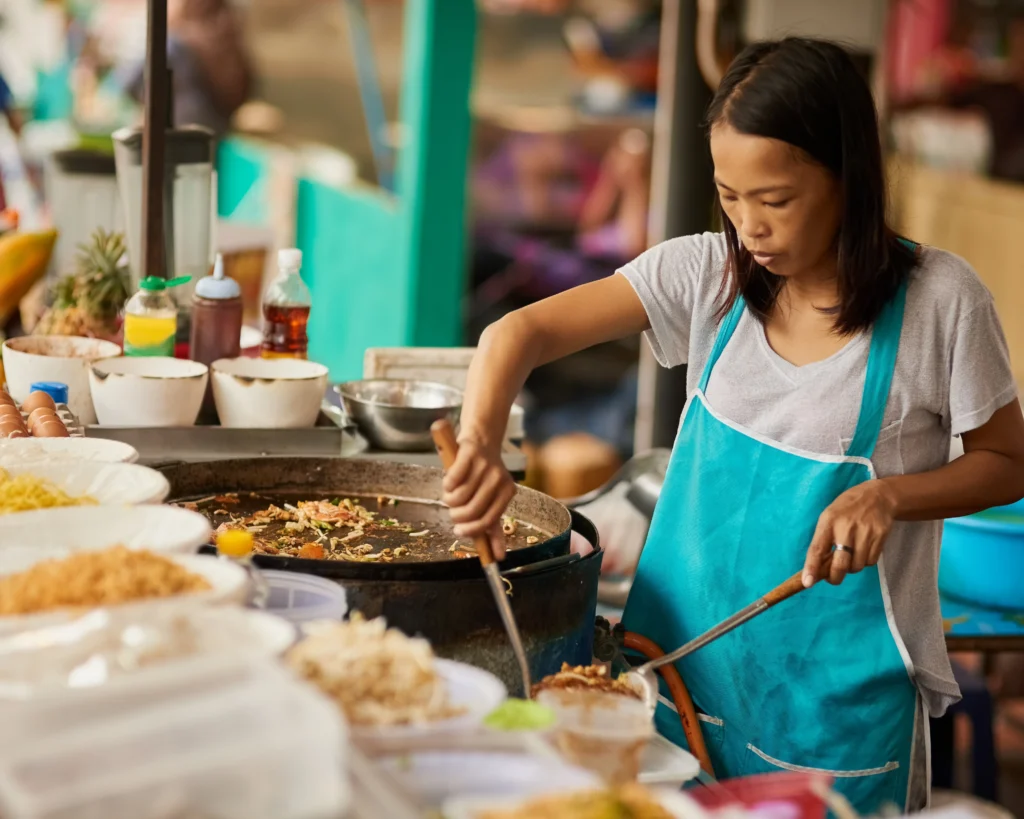
| Pasar malam or bazaar stall | Phone plus soundbox or card reader | Cloud | Fast payment confirmation |
| Kiosk or bubble tea shop | All-in-one terminal | Cloud | Speed and counter space |
| Cafe or kopitiam | Tablet or terminal, plus QR ordering | Cloud | Modifiers and peak-hour speed |
| Full-service restaurant | Terminal plus tablets, QR ordering, kitchen display | Cloud | Tables, kitchen flow, bill splitting |
| Small retail shop | Phone or tablet, scanner if many products | Cloud | Product edits and stock alerts |
| Chain with several outlets | Countertop setups per outlet | Cloud | Central reporting and control |
For typical hardware prices, see our POS machine price guide. If budget is tight, our guide to free POS system software covers what you can get for nothing.
How to choose between POS system types
-
List your order channels: counter, tables, QR, delivery, online store.
-
Pick the device that fits your space and volume, not the biggest screen on offer.
-
Choose cloud unless you have a strong reason not to, and ask how it behaves when the internet drops.
-
Compare named systems last. Our roundup of the best POS systems in Malaysia compares nine options side by side.
If you take orders through several channels, our guide to food ordering systems shows how they fit together.
Frequently asked questions
What are the main types of POS systems? By data: cloud and on-premise. By device: phone or tablet, payment-first devices, all-in-one terminals, countertop setups and self-service kiosks or QR ordering.
Which type of POS system is best for a small business? Usually a cloud POS on a phone, tablet or compact terminal, sized to your order channels.
Is a mobile POS a real POS system? Yes. A POS app on a phone can take orders, accept payments and track sales. Add hardware only when volume needs it.
What is the difference between a POS terminal and a POS system? The terminal is the hardware. The POS system is the hardware, software and payment processing working together.
Do retail and F&B businesses need different POS systems? Usually yes. Retail needs barcodes and stock; F&B needs modifiers, kitchen tickets and delivery orders.
Find the right POS system for your business
EPOS360 runs on a phone, with compact payment devices added as you grow. It puts payments, QR ordering, delivery and loyalty in one app. Explore our POS system Malaysia page, or compare plans and pricing.
 Malaysia
 Global
 Singapore