
 Krystine
Why “QR Code Ordering” Means Different Things
Searching for QR code ordering turns up results describing a few distinct setups, all using the same general term. This isn’t a case of one clear standard with minor variations, it reflects genuinely different levels of functionality that happen to share a QR code as the entry point. Understanding which version a specific business actually needs is the first step, since the simplest and most complete versions solve very different problems, and a features page describing “QR ordering” doesn’t always specify which one it means.
Menu-Only and Order-Only QR Codes
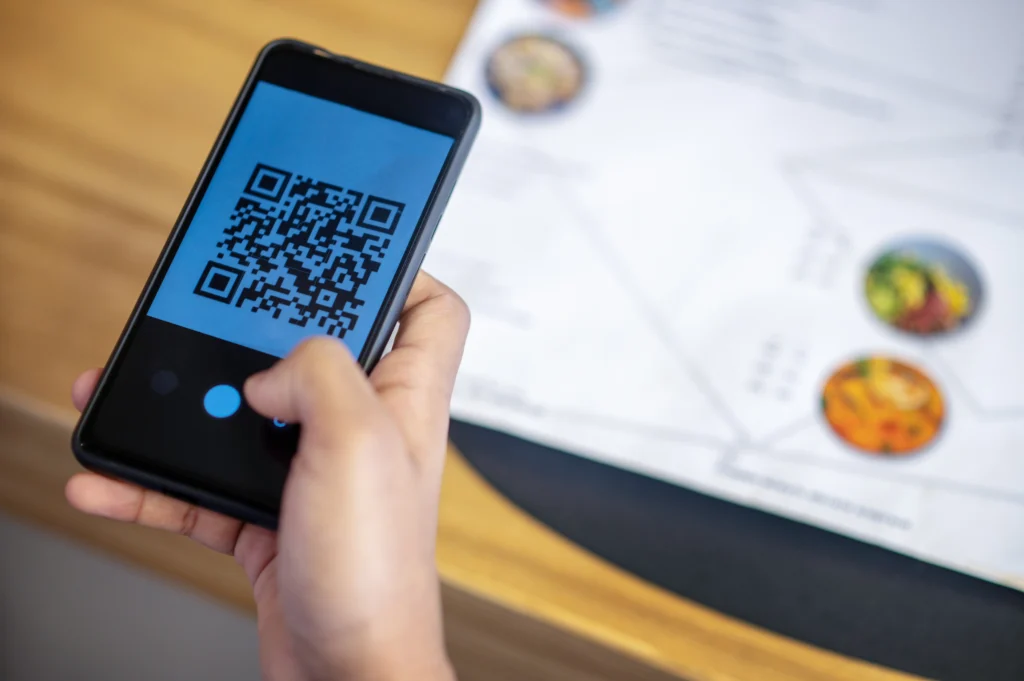
The simplest form of QR code ordering is really just digital menu access. A customer scans a code, sees a menu on their phone, and that’s the extent of it, they still need to flag down a server to actually place an order and pay. This version became common during periods when printed menus were being phased out for hygiene reasons, and many businesses have kept it since it’s low-cost and simple to set up. The limitation is clear once compared against what QR ordering can actually do further along this spectrum: it removes a printed menu but does nothing to reduce the server-dependent bottleneck that slows service during a busy period, since ordering still requires the same server interaction as before.
A step up from menu-only access, some systems let a customer scan a code, browse the menu and submit an order digitally, which then reaches the kitchen or a server for confirmation, but payment still happens the traditional way, either at the table or at a counter. This reduces friction around order-taking specifically, since a server doesn’t need to write down or manually enter the order, but it leaves the second bottleneck in place: processing payment still requires a server’s involvement at the end of the meal.
Full Scan-to-Order With Payment
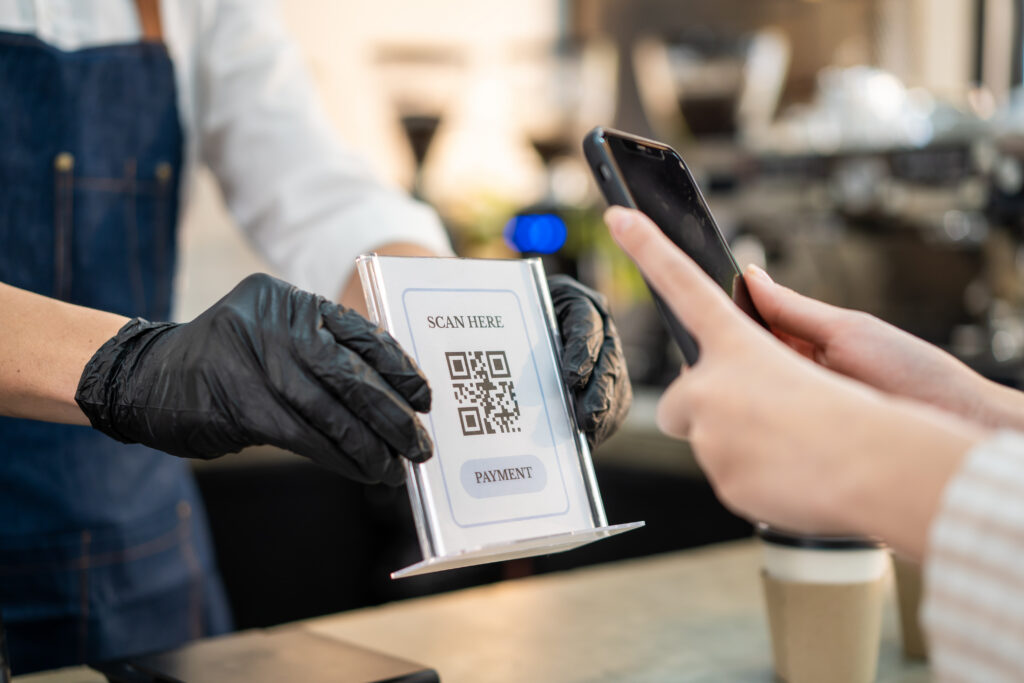
The most complete version, and what’s specifically meant by scan-to-order elsewhere in this series, lets a customer scan a code, browse the menu, place an order, and pay, entirely from their phone, without needing a server for any part of the process. The order lands directly in the kitchen queue, and payment reconciles automatically against that table’s bill.
This version removes both bottlenecks that the simpler versions leave in place, order-taking and payment, which is why it tends to have the largest measurable impact on service speed and staffing needs during peak hours. It also requires more from the underlying system than the simpler versions, since it needs to handle payment processing and kitchen ticket integration together, not just menu display.
Delivery Platform QR Codes Are a Separate Thing Entirely
It’s worth mentioning a fourth version that sometimes gets grouped under the same search term but is functionally unrelated: QR codes used by delivery platforms like GrabFood or Foodpanda, either for a customer to access a specific listing or for a rider to confirm a pickup. These serve an entirely different purpose from table-side QR ordering and shouldn’t be confused with it when comparing options, since they’re part of the delivery platform’s own system rather than a restaurant’s in-house ordering setup.
Choosing the Right Version for a Business
Which version of QR code ordering actually fits depends on what problem a business is trying to solve. A business mainly interested in reducing printed menu costs, without a strong need to speed up service, might reasonably stick with a menu-only QR code, since it’s the simplest and cheapest option. A business dealing with genuine bottlenecks during peak service, servers stretched too thin to take orders and process payment quickly, needs the full version to actually see the operational benefit, since the simpler versions only address part of the problem and leave the more time-consuming half of the process unchanged.
This is worth clarifying directly with any provider before assuming a QR ordering feature does what’s needed, since “QR code ordering” on a features page could reasonably mean any of the versions described here, and the difference matters significantly for whether it actually solves the problem a business set out to fix in the first place. A quick way to check during a demo is asking specifically whether a customer can complete payment through the QR code itself, without needing to flag a server at any point, since that single question separates the full version from every simpler one described above.
Where EPOS360 Fits
EPOS360’s scan-to-order feature is the full version, covering menu access, ordering and payment entirely through the QR code, integrated directly into the same kitchen ticket queue used for counter and delivery orders. For a business evaluating QR ordering options, the practical test is confirming exactly which version a provider is describing, then testing the actual order-to-payment flow directly rather than assuming based on the term alone.
Book a demo to see the full scan-to-order flow in action, or start a trial to test it with your own menu.

 Malaysia
 Global
 Singapore