
 Malaysia
 Singapore
A counter with three payment machines side by side used to be normal for Malaysian SMEs, one for cards, one for Touch ‘n Go, one for DuitNow QR. All-in-one payment terminals remove that stack, accepting every method through a single device connected to the same POS system used for orders.
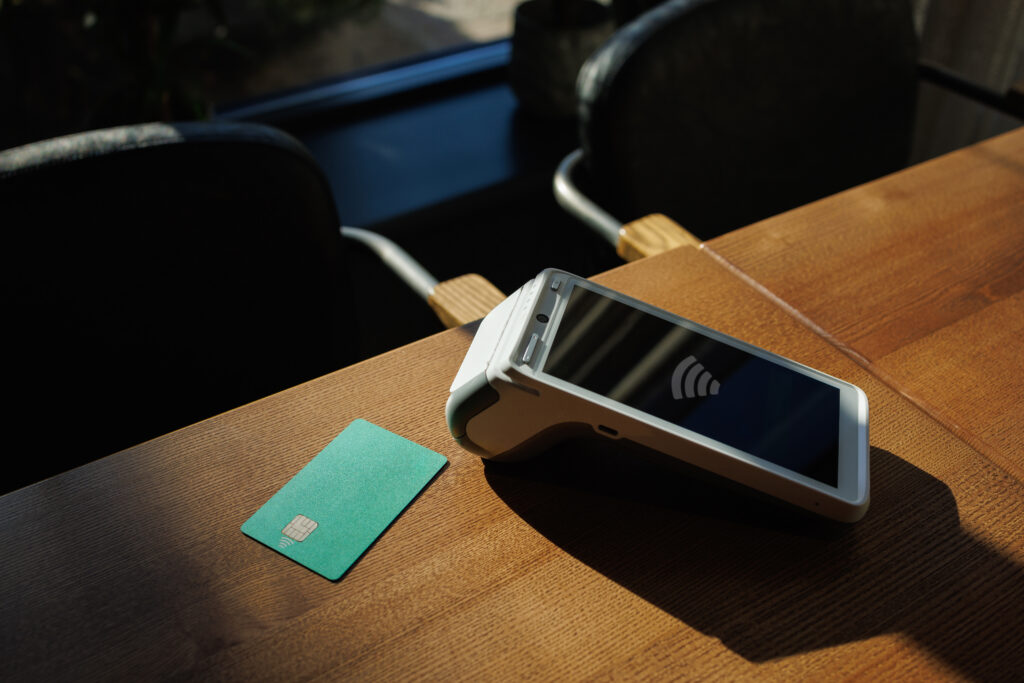
The Counter Full of Machines
Walk up to the counter of a lot of Malaysian shops and cafés and there’s a familiar clutter: a card machine from one bank, a separate DuitNow QR code taped to the counter, maybe a second QR code for a specific e-wallet the business signed up for early on. Each machine arrived at a different point as payment habits shifted, and each one still needs its own settlement, its own reconciliation, and its own place on an already crowded counter.
This didn’t happen because businesses wanted three machines. It happened because payment preferences in Malaysia fragmented faster than most POS setups could keep up with. Card payments were standard for years, then e-wallets like Touch ‘n Go and GrabPay grew quickly, then DuitNow QR arrived as a bank-backed standard that customers increasingly expect on top of everything else. A business that added each method as it became popular, rather than planning for all of them from the start, ends up with a counter that looks more like a hardware store display than a checkout.
What Gets Lost With Multiple Machines
The cost of running several payment machines is not really about the machines themselves. It’s in what happens around them.
Reconciliation is the clearest example. When closing out the till, a business with three payment methods on three separate machines has to total up three separate settlement reports and match them against till sales by hand, or trust that nothing was missed. Each machine has its own settlement timing too, so a card payment might reflect in the bank account a day or two after a DuitNow payment does, which makes daily cash flow harder to track precisely.
There’s also a customer-facing cost. When a customer asks whether a business takes a specific e-wallet and the honest answer is sometimes, staff either have to explain the limitation or scramble to find the right machine, both of which slow down the queue and make the checkout feel less polished than it should for however good the product is.
Staff training adds a smaller but real cost too. Each machine has its own workflow for refunds, voids and printing a second receipt, so training a new hire means walking them through several tools instead of one, and mistakes are more likely when a returns process differs by payment method.
What an All-in-One Payment Terminal Changes
An all-in-one payment terminal accepts every common payment method a Malaysian customer might use, DuitNow QR, Touch ‘n Go eWallet, GrabPay, Alipay+, MyDebit, Visa and Mastercard, through one device rather than several. From the customer’s side, this means never needing to ask whether a specific method is accepted. From the staff side, it means one workflow for taking payment, processing a refund or reprinting a receipt, regardless of how the customer chose to pay.
The bigger shift happens in reporting. When every payment method settles through the same terminal and the same POS system, a business sees one daily total that already accounts for every transaction, rather than needing to combine multiple settlement reports to know what actually came in. This matters more than it sounds, since accurate daily figures are what a business actually uses to make decisions about stock, staffing and pricing, and those decisions get harder to trust the more manual reconciliation sits between the sale and the report.
EPOS360 runs as this kind of payment hub, built on a direct partnership with TNG Digital that allows onboarding through the Touch ‘n Go eWallet app itself, so a business isn’t setting up separate agreements with each payment provider to get full coverage.
Making the Switch Without Disrupting Trade
Moving from multiple machines to a single terminal is usually less disruptive than businesses expect, mainly because the change happens at the counter rather than throughout the whole operation. The practical steps involve confirming which payment methods the business currently accepts, setting those up on the new terminal, and running a short overlap period where both the old machines and the new terminal are available before removing the old hardware entirely.
The bigger adjustment tends to be habit rather than technical difficulty. Staff who are used to reaching for a specific machine for a specific payment method need a short period to build the habit of using one device for everything, though this typically settles within the first week of full-time use.
For businesses already using EPOS360 for orders, scan-to-order or delivery integration, payment consolidation isn’t a separate project. It’s built into the same POS system already running the rest of the counter, with hardware like the BlueTap reader included as part of the subscription rather than purchased separately.
Is It Worth Switching
The clearest sign a business would benefit from consolidating onto one terminal is spending more than a few minutes each closing shift reconciling different payment machines against the till, or regularly telling a customer that a specific payment method isn’t accepted at that counter. Both are solvable without replacing the whole POS system, since payment consolidation is typically the fastest change to implement of everything covered across this series, from scan-to-order to delivery integration to loyalty.
Book a demo to see which payment methods your current setup is missing, or start a trial through the EPOS360 console.