
 Krystine
Why Setup Quality Matters More Before Opening Than After
A new restaurant has a narrow window where setting up a POS system properly is actually manageable: after the space is ready but before the first paying customer walks in. Once doors open, every hour spent fixing a menu structure or adjusting a modifier setup is an hour taken directly from an already busy service, and mistakes made during setup tend to show up as visible problems in front of real customers rather than quietly fixed in private.
This is why POS setup deserves a proper block of dedicated time before opening, ideally with input from whoever will actually be using the system daily, rather than being treated as a final checklist item squeezed in during the last chaotic days before launch.
Menu Structure and Modifiers
The menu is usually the most time-consuming part of setup, and rushing it tends to cause the most visible problems once service starts. Every item needs correct pricing, correct categorisation, and any modifiers, size, spice level, add-ons, built in a way that’s clear on both the customer-facing order screen and the kitchen ticket that results from it.
It’s worth testing the full menu by placing sample orders covering the more complex combinations, not just the simple ones, before opening day. A modifier that seems fine when configured can still produce a confusing or incomplete kitchen ticket once it’s actually combined with other options in a real order, and this is far easier to catch and fix during a quiet test run than during a live dinner service.
Payment Methods and Hardware
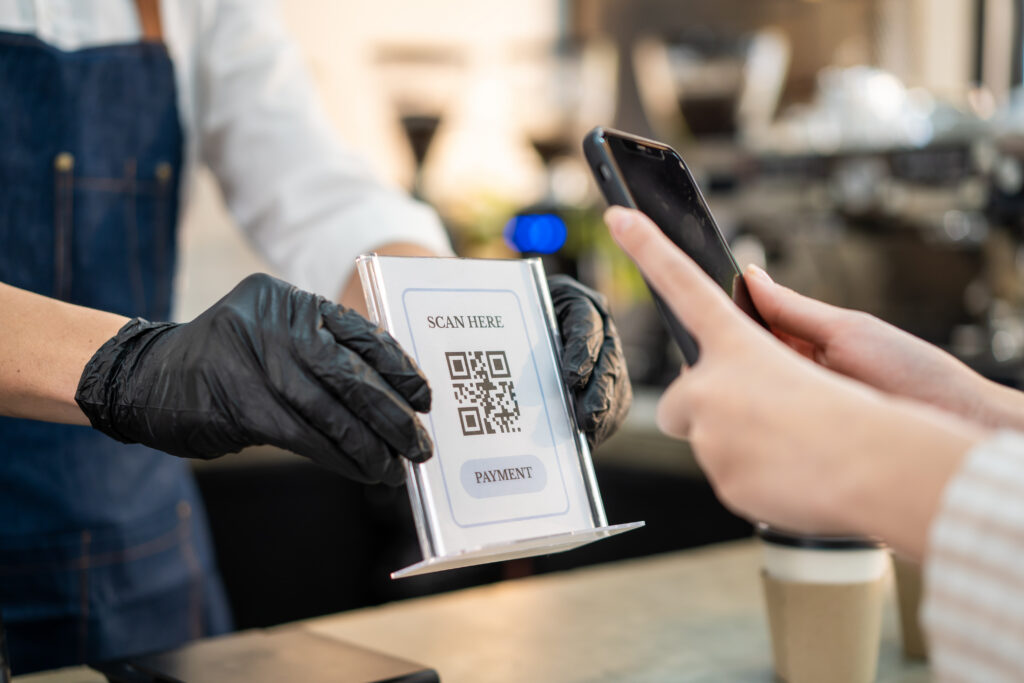
Every payment method the restaurant intends to accept, cards, DuitNow QR, e-wallets, needs to be tested with a real transaction before opening, not just configured and assumed to work. A payment method that looks set up correctly in a dashboard can still fail at the terminal, and the first time that gets discovered should not be with a paying customer standing at the counter.
Hardware placement is worth thinking through physically as well, not just technically. Where a terminal sits relative to the till, how a kitchen display or printer is positioned relative to the pass, and whether staff have to move awkwardly to reach a device during a busy moment all affect how smoothly service actually runs, in ways that are obvious in hindsight but easy to overlook while everything is still sitting in boxes.
Staff Accounts and Permissions
Setting up individual staff accounts and permission levels before opening, rather than having everyone share one generic login, matters for more than just security. Individual accounts make it possible to see who processed a specific order or a specific refund later, which becomes genuinely useful for troubleshooting or resolving a dispute, and much harder to do retroactively once a shared login has been in use for weeks.
Permission levels also matter operationally, since not every staff member needs the ability to void a transaction or apply a discount, and setting appropriate limits before opening avoids having to have that conversation defensively after a mistake has already happened.
Integrations to Confirm Before Launch
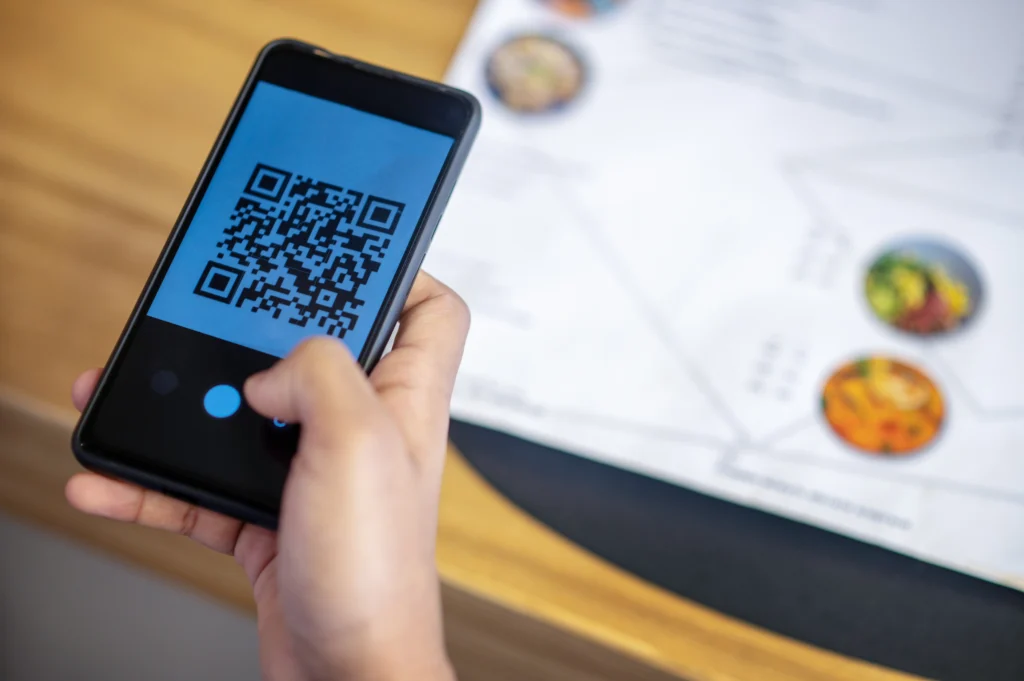
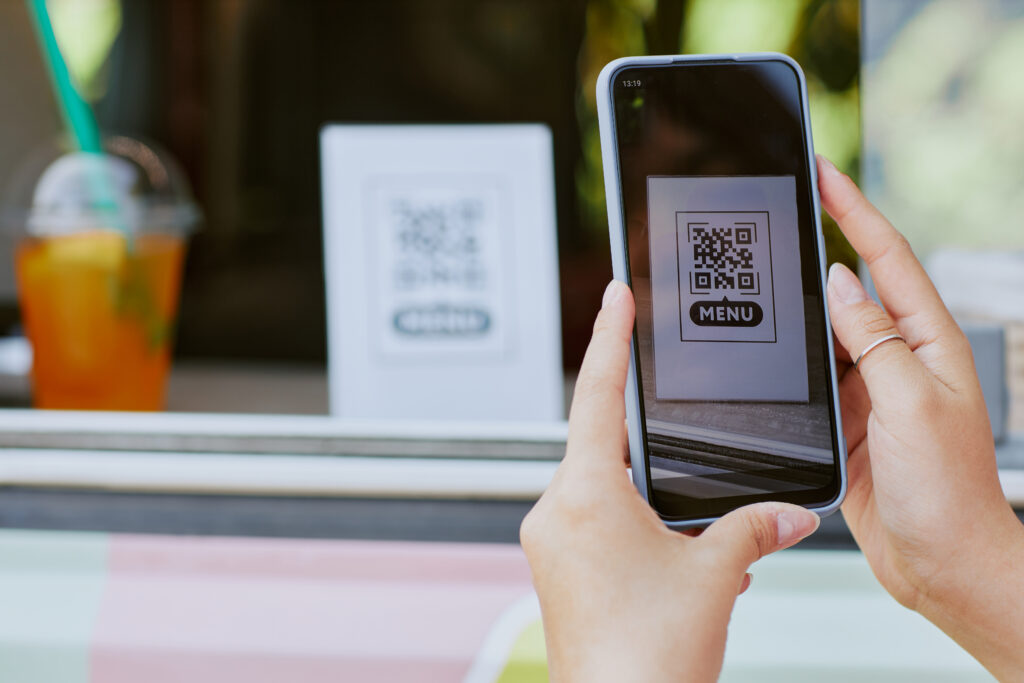
If the restaurant plans to use delivery platforms, scan-to-order or a loyalty programme from day one, each of these needs to be tested as an actual order flow before opening, not just switched on. A GrabFood or Foodpanda integration should be tested with a real order placed through the platform to confirm it lands correctly on the kitchen ticket. A scan-to-order QR code should be tested at an actual table to confirm the menu displays correctly on a phone and that the order reaches the kitchen the same way a counter order would.
Skipping this testing step is one of the more common reasons a new restaurant’s first week involves more firefighting than it needs to, since integration issues that would take minutes to catch in a quiet test run often take much longer to diagnose once they’re first noticed during a live, busy service.
Running a Soft Test Before the Real Opening
Wherever possible, running a soft opening, a quiet, low-pressure service for friends, family or a limited invite list, before the official opening date gives the POS setup a genuine stress test under real conditions without the full risk of a busy public launch. Problems that don’t show up during configuration testing alone, a modifier combination nobody thought to test, a kitchen ticket layout that reads confusingly under real pressure, tend to surface during this kind of trial run in a way that’s far cheaper to fix than discovering them during opening week itself.
EPOS360’s setup process includes support during this configuration stage, with a team available to help build out the menu structure and test integrations properly before a restaurant’s actual opening day rather than leaving it to be figured out alone.
Book a demo to talk through setup timing for your opening date, or start a trial to begin configuring your menu now.
 Malaysia
 Global
 Singapore