
 Primal SEO Agency
Key Takeaways
- AI inventory management turns your own sales history into order quantities, so you buy to demand instead of habit.
- A forecast looks forward (what will run low, and when); a low-stock alert only reacts after something already ran out.
- It needs clean item setup, recipes or modifiers linked, and two to four weeks of real sales before the numbers mean anything.
- It helps least at a brand-new outlet with no history, and on a menu that changes every day.
- Good systems let you review a suggested order, adjust it, and send the purchase order to your supplier without rekeying.
- See what your sales data can forecast with the EPOS AI inventory management tools inside EPOS360.
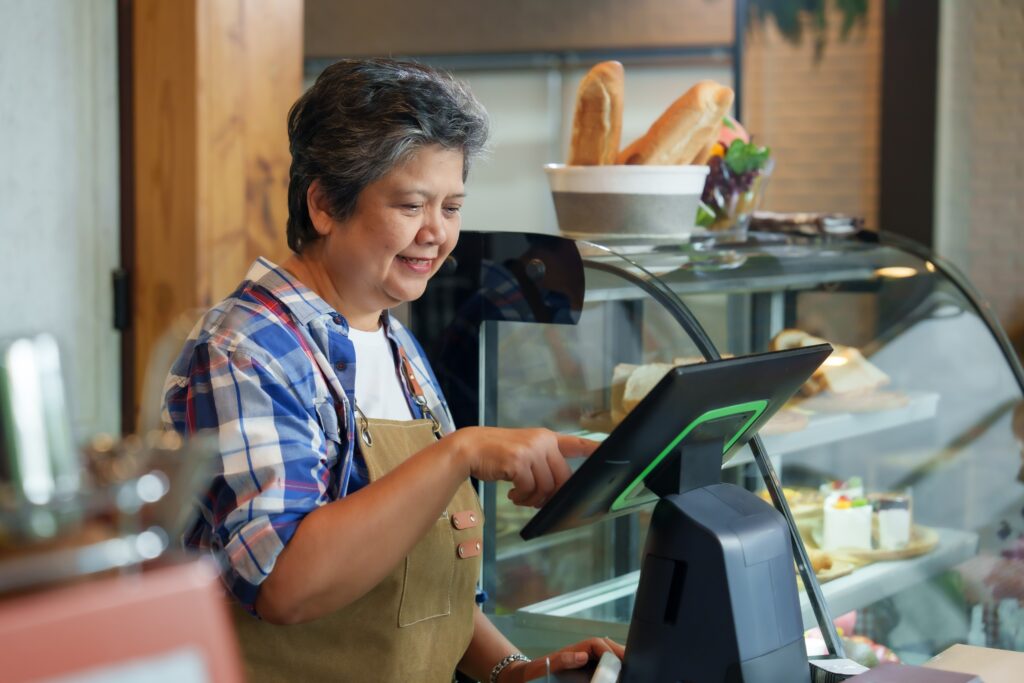 Imagine: you run out of the laksa that sells and throw away the salad that doesn’t. That is avoidable. AI inventory management fixes the problem of finding which products sell by reading your own sales history and telling you what to order, and how much, before you run short. Here is what it does inside a POS.
Can AI Forecast Your Sales and Stock Automatically?
Yes. Once it has a few weeks of your sales data, an AI assistant can project what you will sell by item and by day, then turn that into how much stock to hold. It reads three things:
- How fast each item moves
- The day-of-week pattern (Friday dinner calls for items different from Tuesday lunch)
- Seasonal swings like Ramadan or the school holidays
The forecast is a useful starting figure for planning your stock ahead.
What AI Inventory Management Actually Does
AI inventory management turns your sales history into order quantities. Instead of counting shelves and guessing, you get a suggested par level and a reorder point for each ingredient or product. The work runs in the background:
- Reads past sales per item, including modifiers and combos
- Spots day-of-week and seasonal patterns
- Sets a par level (how much to keep on hand) and a reorder point (when to buy again)
- Flags slow movers tying up cash and fridge space
Inside EPOS360, this mechanism sits with our AI business assistant, meaning you get one system that both rings up a sale and learns from it.
Forecasting vs a Low-Stock Alert
A low-stock alert tells you something ran out. A forecast tells you it is about to, and when. So can a POS forecast stock, or does it just warn you? The better ones do both, which creates a tangible difference at the counter.
| Low-stock alert | AI forecast | |
| Looks | Backward, at the current level | Forward, at expected demand |
| Tells you | What is low right now | What will run low, and when |
| Example | “Milk below 4L” | “You will need 18L more milk by Saturday” |
A low-stock alert informs you when you are already short, but it is the forecast that gives you time to act.
A Worked Example: One Cafe, One Long Weekend
Take a cafe that trades steadily Monday to Thursday, then roughly doubles over a long weekend. An alert and forecast lead to two different scenarios:
- Alert: reacts only on Saturday morning, when it is too late to restock.
- Forecast: flags the Thursday order.
The forecast action may look like:
| Item | Normal week (daily) | Long weekend (daily) | Forecast action |
| Milk | ~12 L | ~22 L | Add to Thursday order |
| Coffee beans | ~3 kg | ~5.5 kg | One extra bag on Friday delivery |
| Pastries | ~60 | ~110 | Raise the bakery order for Sat-Sun |
The value is timing. You see the weekend coming on Thursday, while you can still act on it. 
Getting a Good Stock System Running
A forecast is only as good as your setup. Three things have to be in place before the numbers mean anything:
- Clean item setup. Every product and ingredient entered once, named consistently, no duplicates.
- Recipes or modifiers linked. If a nasi lemak uses one egg, the system deducts the egg when the dish sells.
- A few weeks of real sales. The model needs history to find a pattern. Two to four weeks of trading is a usable start. More is better.
These help sharpen forecasts and create a more reliably actionable plan.
Where AI Forecasting Helps Least
AI forecasting pays off slowly for certain scenarios:
- Brand-new outlets: new openings mean no sales history to learn from, so the first few weeks will have to run on your judgement before the model catches up.
- Constantly-changing menu: a daily-special stall with few repeat items gives the system no stable pattern to read.
AI inventory management for a restaurant rewards repetition. The more this week looks like last week, the better it works.
Moving From a Forecast to a Sent Purchase Order
A forecast becomes useful when it turns into a purchase order you can send. Good systems let you review the suggested quantities, adjust them, and fire the order to your supplier without rekeying. Run a check before switching auto-reorder on:
- Item data is clean and recipes are linked.
- You have at least two to four weeks of sales history.
- Supplier lead times are entered, so the reorder point allows for delivery days.
- Minimum and maximum levels are set for anything perishable.
- Someone approves the first few orders before they send on their own.
Have someone supervise the system until the suggestions have earned your trust.
Put AI Inventory Management to Work With EPOS
Good stock control comes down to ordering for the week ahead. AI inventory management helps with that, where a forecast reads your own sales to set par levels and reorder points, sharpens once it has a few weeks of history behind it, and pays off most where your trade repeats week to week. So long as you oversee the approvals, an AI-powered system helps you stay on top of your inventory needs. At EPOS, EPOS360 brings this together by running the till, the stock, and the AI assistant on one cloud system. Your forecasts come from the sales the till is already recording, so there is nothing to export and no second tool to reconcile, and you order for what the days ahead will actually sell. See what your sales data can forecast with the EPOS AI inventory management tools, or take a wider look at the EPOS360 platform.
Frequently Asked Questions About AI Inventory Management
Can AI forecast my sales and stock automatically?
Yes, once it has a few weeks of your sales history. It projects what you will sell by item and by day, then suggests how much stock to hold and when to reorder. You review and adjust the figures before anything is bought.
How much sales history does ai inventory management need?
Two to four weeks of real trading is a usable starting point. The model needs repeated days to find a pattern, so the longer it runs, the more reliable the par levels and reorder points become.
Does AI inventory management for a restaurant work for a brand-new outlet?
Not well in the first few weeks. With no history to learn from, early ordering runs on your judgement. Once a few weeks of sales are in, the forecasts start to carry their weight.
Can a POS forecast stock and reorder on its own?
It can suggest quantities and send a purchase order to your supplier. Keep approval with a person until the suggestions have proven accurate, then let the routine orders run while you watch the exceptions


 Malaysia
 Global
 Singapore