
 Primal SEO Agency
Key Takeaways
- With a QR ordering system in Malaysia, a diner scans the table QR, browses the menu, adds modifiers, and pays on their own phone, with no app to download.
- The order lands straight on the kitchen or counter screen, so no one has to re-key it.
- Payment runs in the same flow: DuitNow QR, cards, and e-wallets like Touch ‘n Go and GrabPay.
- Service tax on F&B in Malaysia is 6 percent, and a service charge sits on top and is not itself taxed; the system applies both the same as a counter sale.
- Whether you issue an LHDN e-invoice depends on your turnover band, but having a clean record of the sale makes it an easily manageable routine step.
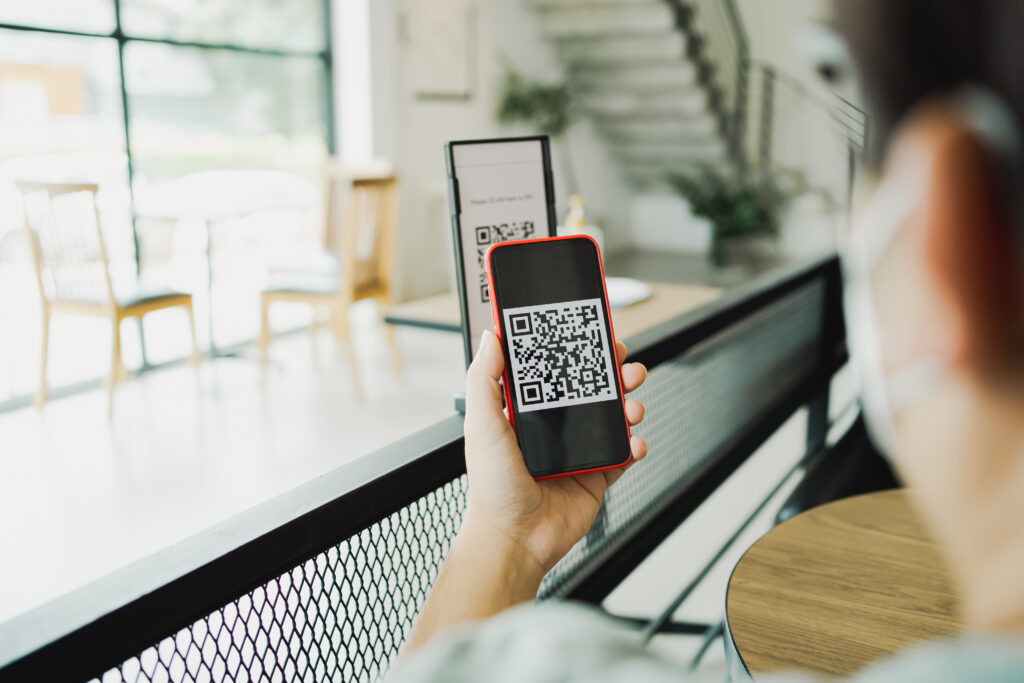
Many restaurants now see customers sitting, scanning the code on the table, and ordering without catching anyone’s eye. With a QR ordering system in Malaysia, a diner goes from scanning-to-order to a paid one on their own phone, often within minutes. Here is the full journey, including the payment and the e-invoice.
How Customers Order and Pay From Their Own Phone
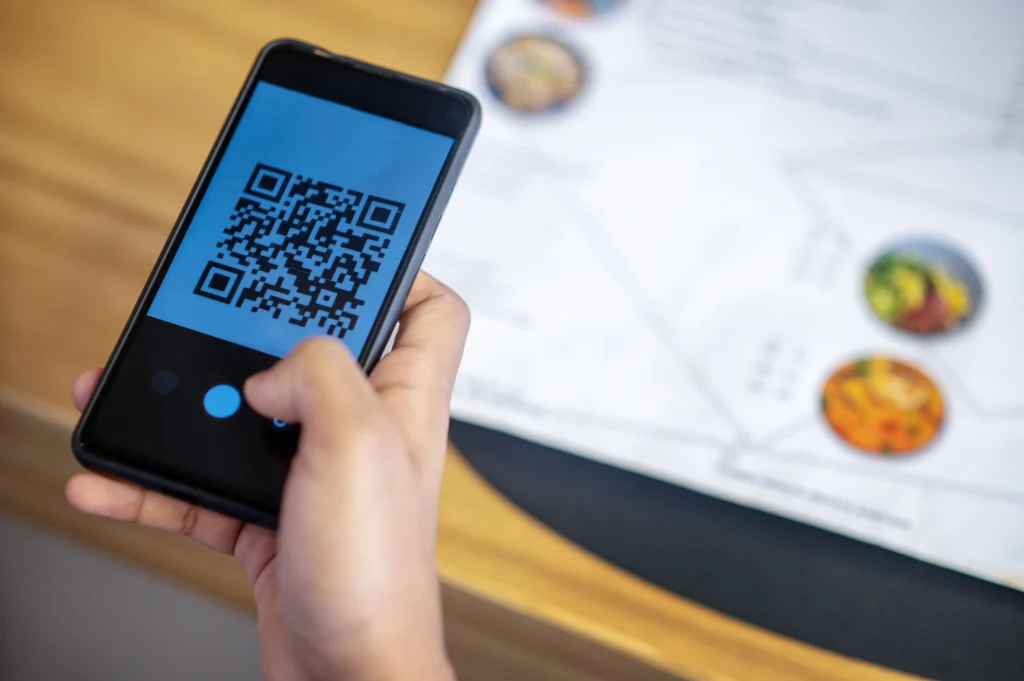
Customers scan a QR code at the table, either one generated from the counter or a preset one on the table itself. The menu opens in their browser, they build the order, and they pay, all without downloading an app or waiting for a waiter.
- Scan the table code with the phone camera.
- Browse the menu, with photos and any sold-out items greyed out.
- Add modifiers: less ice, extra egg, no chilli.
- Pay on the phone, or send the order and pay at the counter.
- Done. The kitchen is already working on it.
A customer gets to scan to order and pay as well as eat in one same sitting.
Where the Order Lands, and How Payment Works
The order goes straight to the kitchen display or counter screen, tied to the table number, so staff members do not need to re-key it. Nothing gets lost between the floor and the pass, more time is saved, and order errors are greatly reduced.
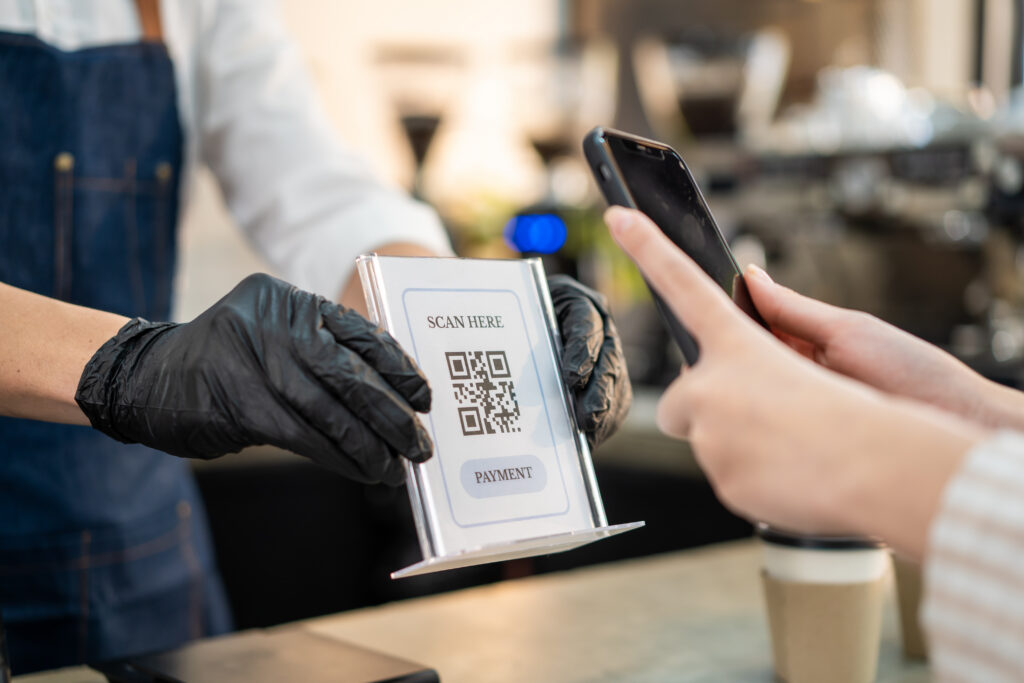
Payment sits in the same flow. A diner can settle with DuitNow QR, a card, or an e-wallet such as Touch ‘n Go eWallet or GrabPay. DuitNow QR is Malaysia’s national standard, run by PayNet, so one code accepts the participating banks and wallets at once. On the restaurant’s side, a terminal like BlueTap confirms the sale and prints the receipt without a separate machine.
Split Bills, Service Charge and SST on a Self-Order
Self-ordering handles bills and charges the same way the till does. A table can split the bill by item or by head before paying, so four friends settle their own share on four phones. If you are SST-registered, the system applies service tax on the food and drink line automatically.
The rates to set up correctly:
| Line | How it is treated |
| Service tax on food and non-alcoholic drinks | 6 percent, if you are registered (F&B registration applies above RM1.5 million taxable turnover) |
| Service tax on alcoholic drinks | 8 percent |
| Service charge, if you levy one | Sits on top of the bill and is not itself subject to service tax |
Set these once and every self-order carries them from there.
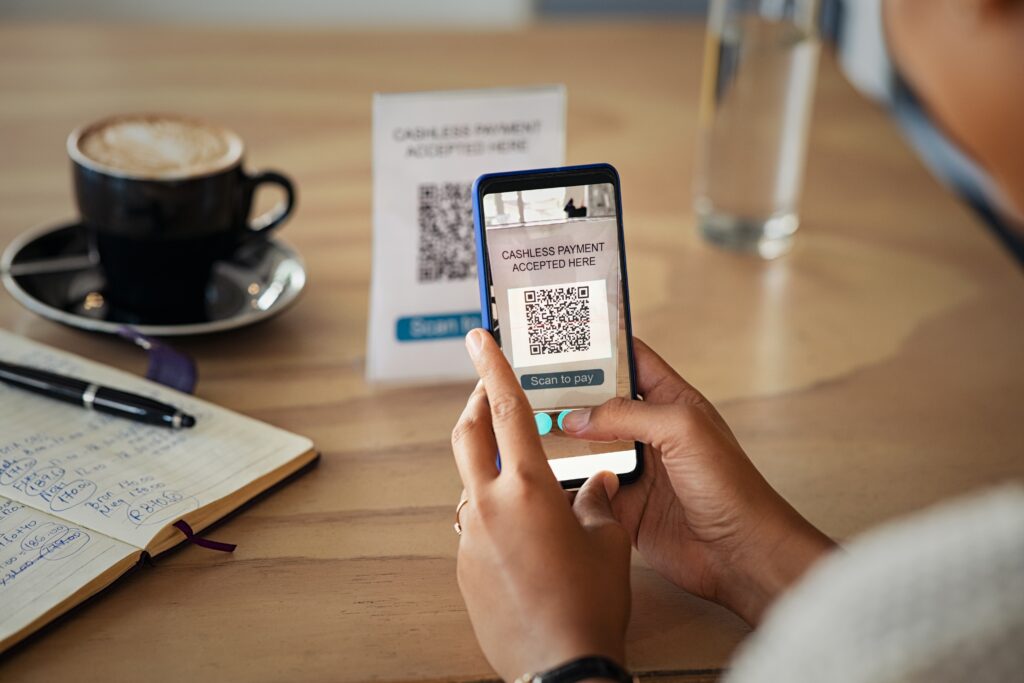
Issuing an e-Invoice When the Customer Pays
When a customer pays on their own phone, the sale still has to flow into your records the same as a counter sale, and that is what makes e-invoicing easy.
Whether you must issue an LHDN e-invoice depends on your turnover. Businesses brought into the MyInvois system issue through the POS, while smaller operators under the exemption threshold, raised to RM3 million in 2026, issue only when a buyer asks for one.
Issuing one is a short loop, whether you run it from the POS or the MyInvois portal:
- Capture the buyer’s name and Tax Identification Number if they want a full e-invoice. A walk-in who does not can go into a consolidated e-invoice instead.
- Submit the sale to LHDN’s MyInvois system.
- MyInvois validates it and returns a validated e-invoice with a unique identifier and a QR code.
- Share that validated e-invoice, with its QR code, with the customer.
Customers who do not ask for one are grouped into a consolidated e-invoice you submit after the month closes. A self ordering system for a restaurant that records each sale cleanly keeps either route quick.
What Changes for Your Floor Staff
Self-ordering frees your floor staff up from order-taking, enabling them to prioritise running food, clearing tables, and handling the exceptions a phone cannot: the regular who wants it the usual way, the table unsure what to pick, the complaint that needs a person. For a short-staffed lunch rush, this shift means fewer trips to take orders, and more time on the floor where it counts. In the long run, it contributes to a higher total payment volume when done right.
Self-ordering does not suit every table, though. A big group ordering to share, a tasting menu, or a fine-dining room where the service is the product all still require a waiter. Many outlets run both: QR for the quick, busy tables, and full service where it adds something.
Rolling Out a Self-Ordering System in the First Week
Keep the first week simple:
- Load the menu with clear names, prices, and photos.
- Set modifiers, service tax, and any service charge, then test a full order end to end.
- Print clean table codes and fix them where they will not get covered by plates.
- Brief staff on the new role: running food and handling exceptions, not taking orders.
- Run QR alongside normal service for a few days before you lean on it.
- Watch the first weekend, then adjust the menu layout and the busy-table placement.
Roll Out QR Self-Ordering For Your Business with EPOS
Self-ordering takes a diner from scan to paid on their own phone, dropping the order straight onto the kitchen screen. It suits the quick, busy tables more than big groups or a fine-dining room, so most outlets run it next to full service and keep waiters for the tables that need them.
EPOS360 runs scan-to-order, the kitchen screen, the payment hub, and your records as one system, so an order placed on a diner’s phone reaches the kitchen and your records without a second tool in between. Our BlueTap terminal works hand-in-hand with the system, confirming each sale and printing the receipt on its own.
Serve your busiest tables with our QR ordering system in Malaysia today, running on the wider EPOS360 platform.
References:
DuitNow QR. Retrieved on 16 November 2026 from https://www.duitnow.my/
Service Tax. Retrieved on 16 November 2026 from https://mysst.customs.gov.my/
e-Invoice. Retrieved on 16 November 2026 from https://www.hasil.gov.my/en/e-invoice/
Frequently Asked Questions About a QR Ordering System in Malaysia
How can customers order and pay from their own phone at my restaurant?
They scan a QR code at the table, the menu opens in their phone browser, they add items and modifiers, and they pay with DuitNow QR, a card, or an e-wallet. No app to download, and the order goes straight to your kitchen screen.
Do customers need an app for a QR ordering system in Malaysia?
No. The menu opens in the phone’s web browser from the QR code. They order and pay there. The only app involved is their own banking or e-wallet app at the payment step, if they choose to pay that way.
How is SST handled on a scan to order and pay sale?
The same as a counter sale. If you are SST-registered, the system applies 6 percent service tax on food and non-alcoholic drinks (8 percent on alcohol). A service charge, if you levy one, sits on top and is not itself subject to service tax.
Does a self ordering system for a restaurant replace waiters?
It replaces the order-taking, not the staff. Your team moves to running food and handling exceptions. Large groups, tasting menus, and fine dining still want full service, so many outlets run QR and waiters side by side.

 Malaysia
 Global
 Singapore