 Malaysia
 Global
 Singapore
Beyond Payments:
What BlueTap Unlocks with EPOS360
BlueTap is more than a payment acceptance device.
It is the entry point to EPOS360, a one-stop business operating system
designed by EPOS


BlueTap is more than a payment acceptance device.
It is the entry point to EPOS360, a one-stop business operating system
designed by EPOS

Once BlueTap is activated, merchants automatically gain access to EPOS360 via the
TNGD merchant mini-program.
This means BlueTap is not just a payment terminal. It connects merchants to a
broader digital business ecosystem.

Business performance dashboard

Total sales | Discounts | Payment breakdown
All-in-one POS & payment
Streamlined workflows | Reduced manual errors
AI-powered tools
AI campaign generation
OCR menu upload to reduce manual setup
Supported Features:
Home
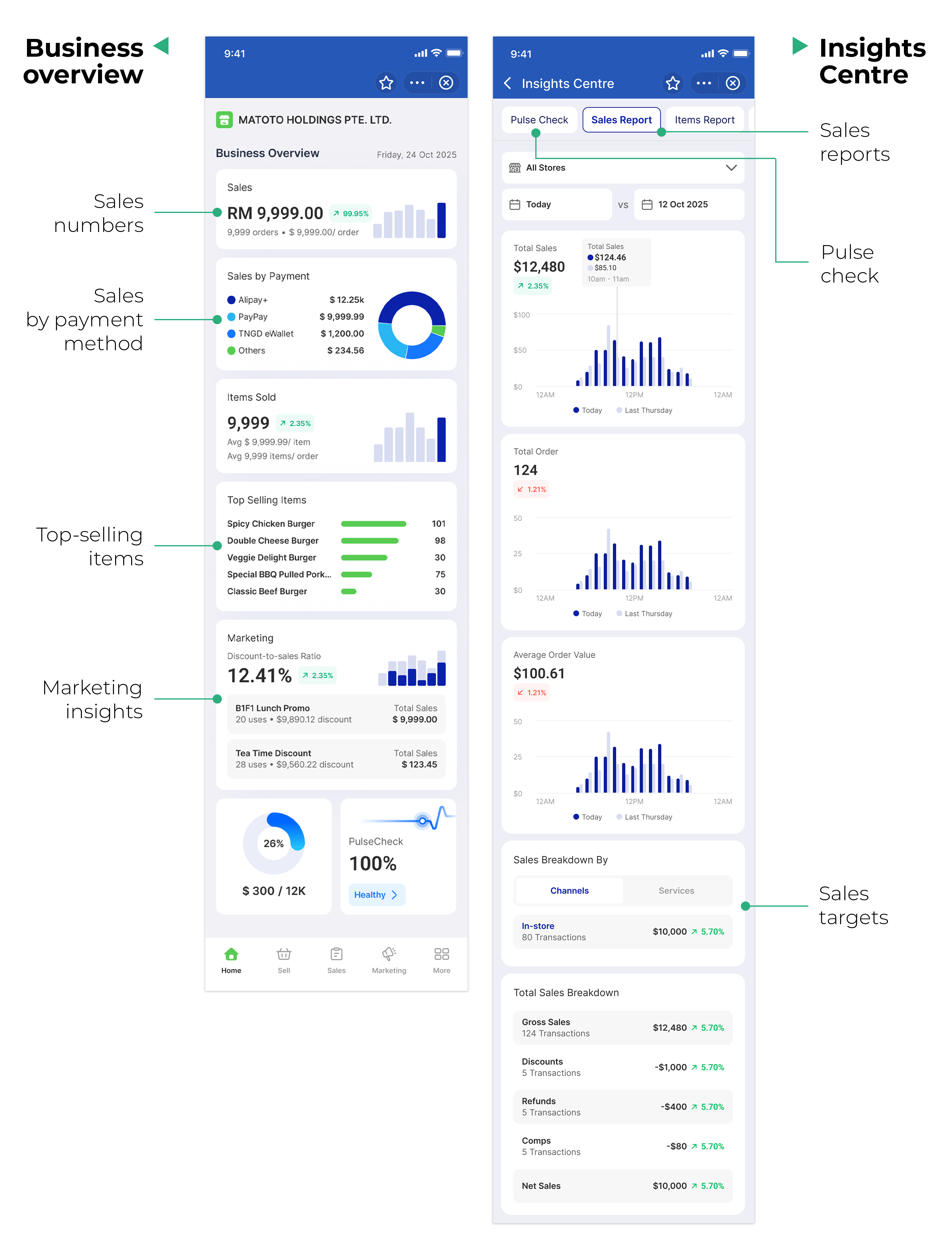
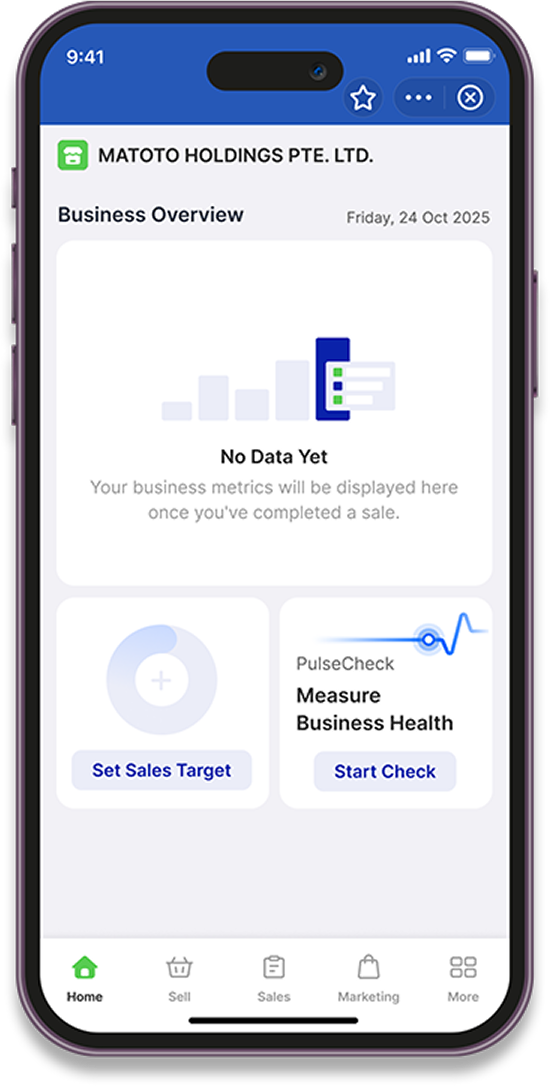
Use the Sales Target feature to track your monthly business goals
and performance.
Step 1
On the Home page, tap Set Sales Target
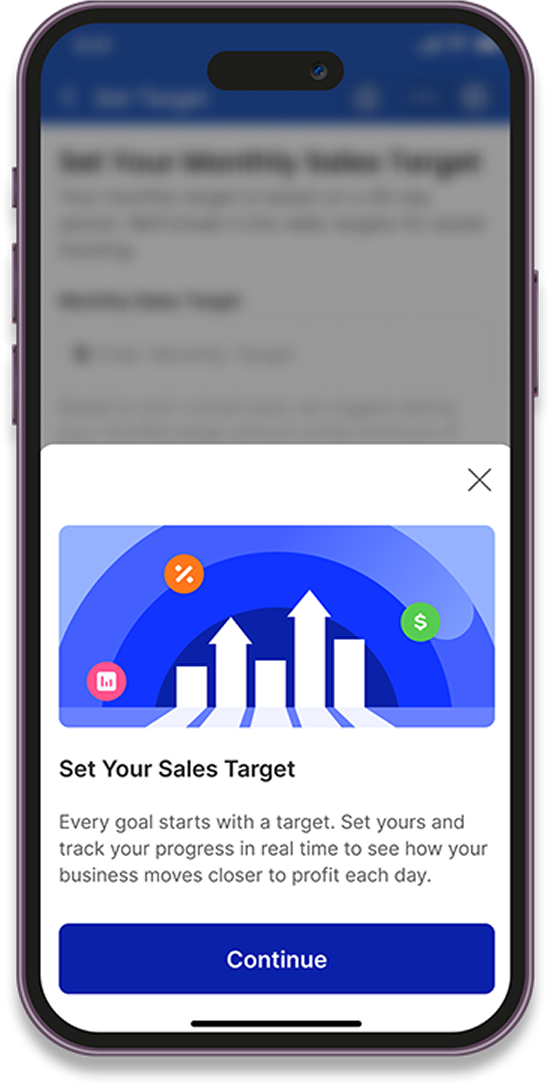
Step 2
Tap Continue
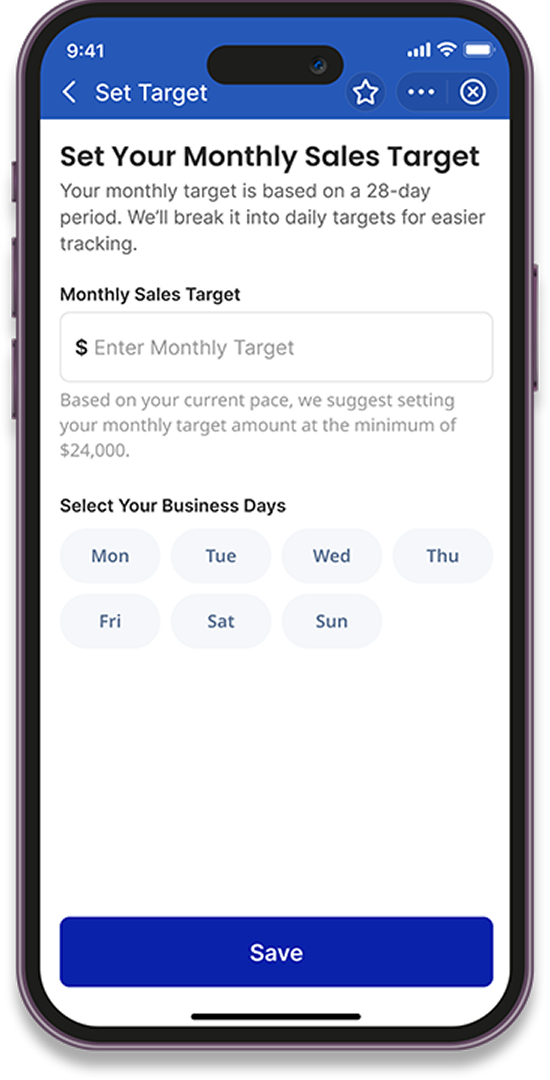
Step 3
Enter your Monthly Sales Target and Number of Business Days
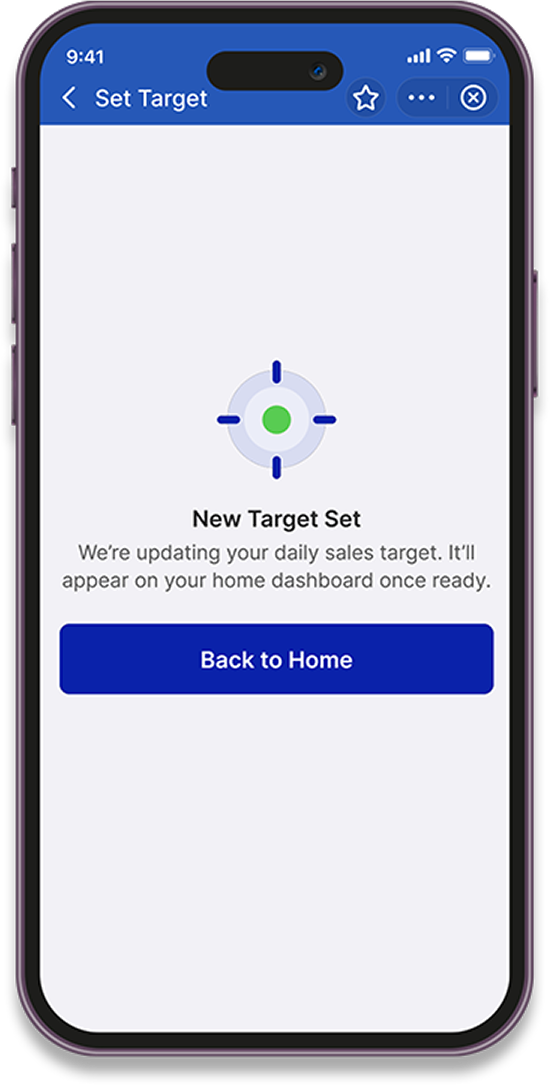
Step 4
Tap Save
Pulse Check provides a quick snapshot of your business health using
real-time data and AI insights.
How to Use Pulse Check
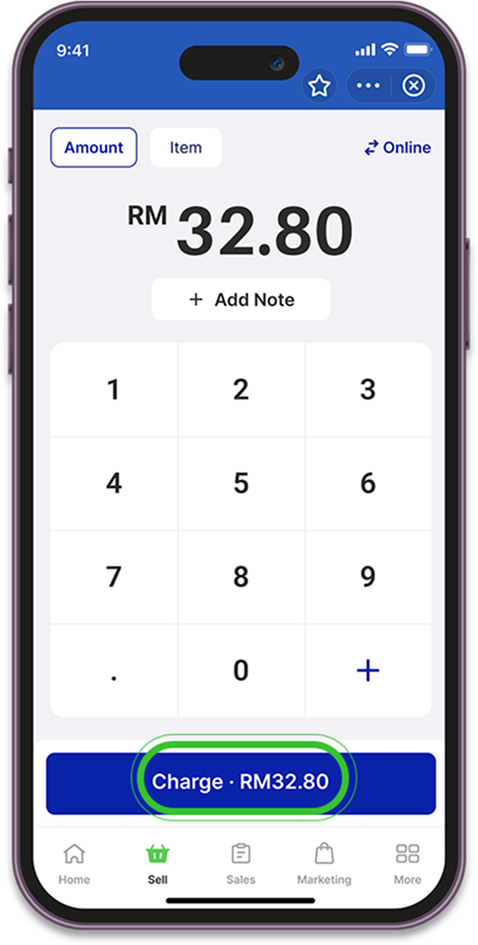
The Sell feature helps you manage dine-in, pickup, and online sales efficiently. It
also allows you to handle discounts, refunds, and sales reporting—all in one place.
Key Functionalities
Dine-in / Pickup
Discounts

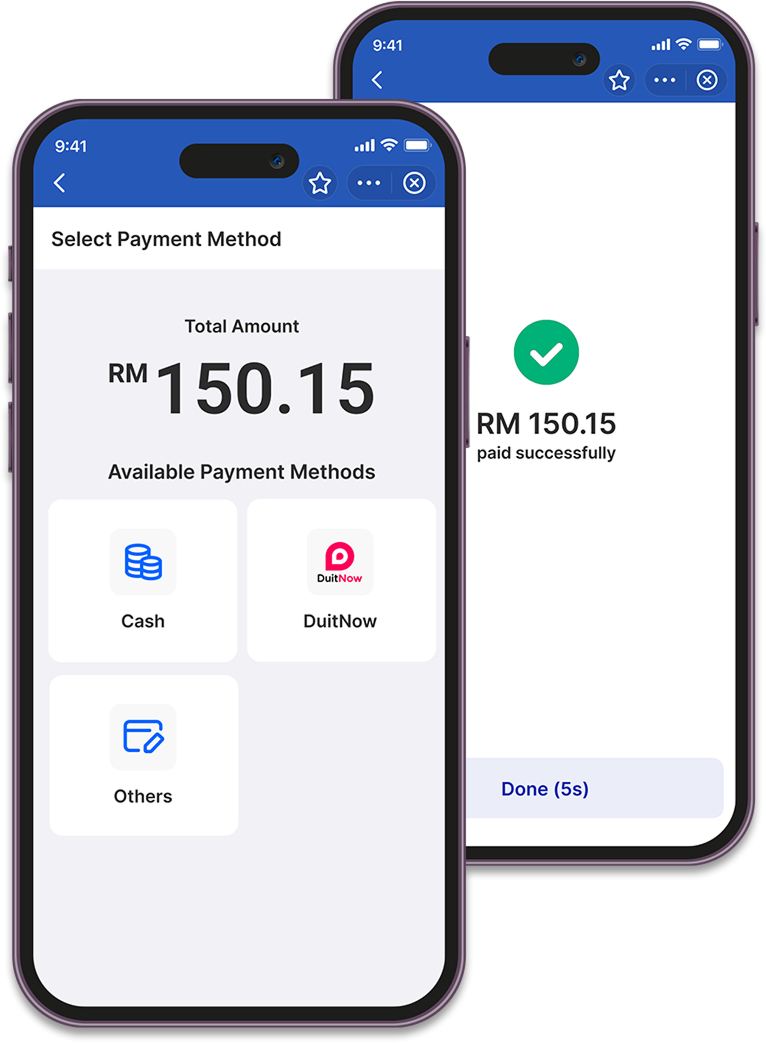
Quick Checkout
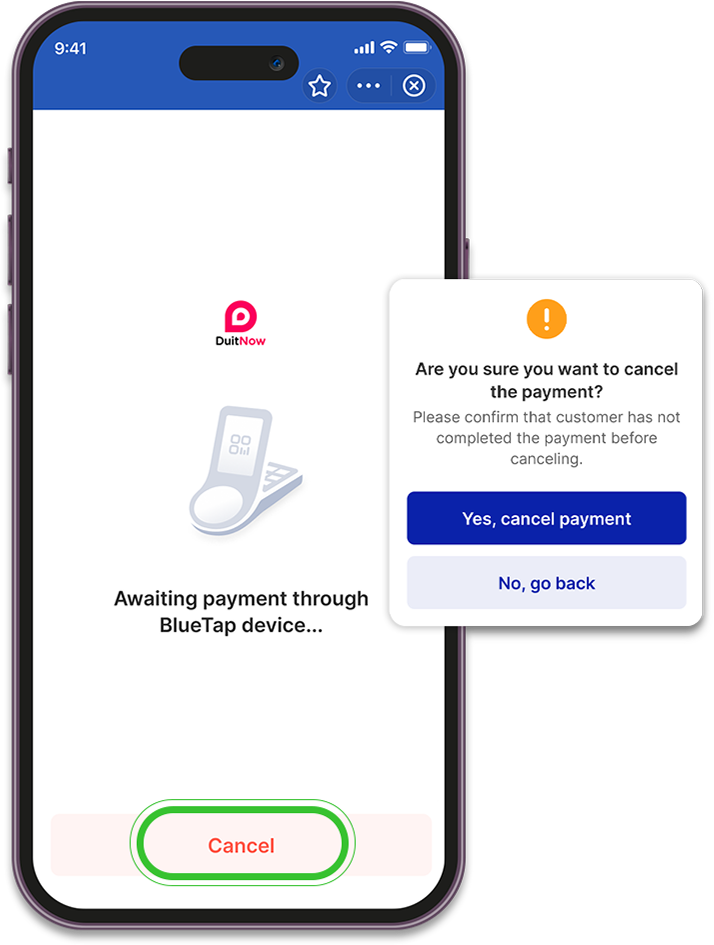
Void / Refund Orders
Split Payments
Member Tagging
(coming soon)
Sales Summary
Note: Location permission must be enabled for legal requirements when using the Sell feature.
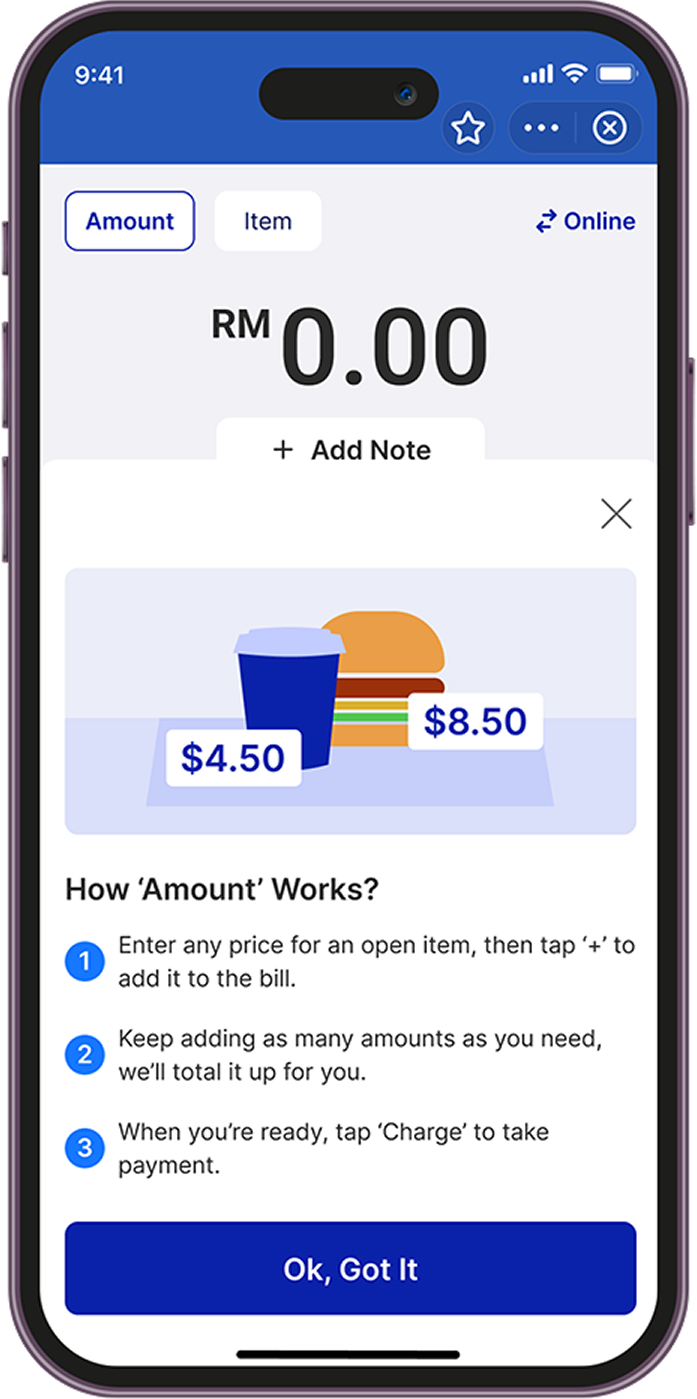
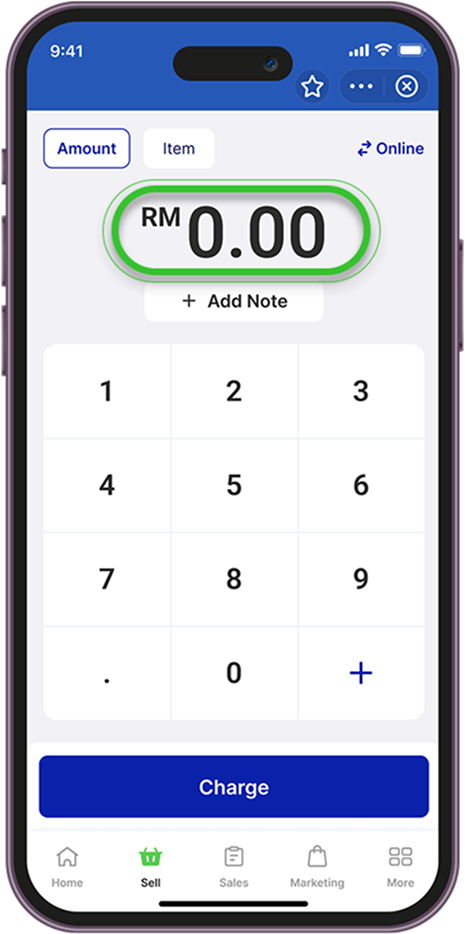
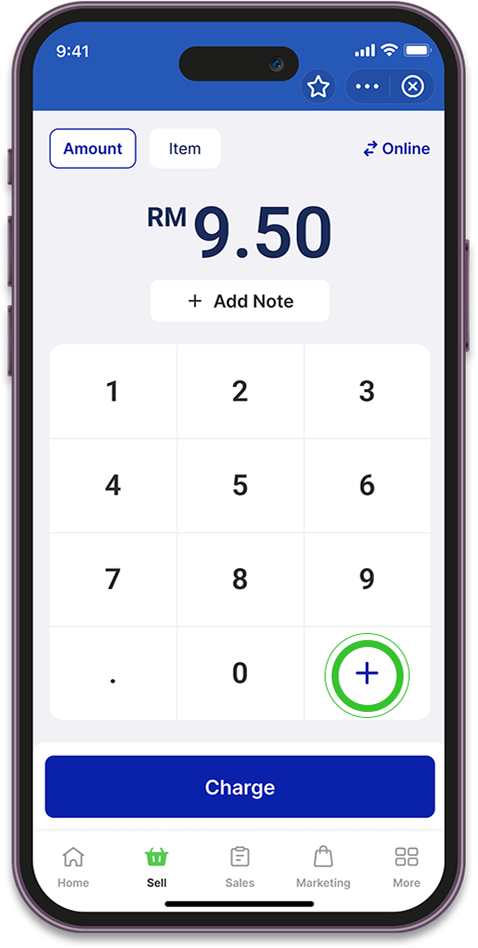
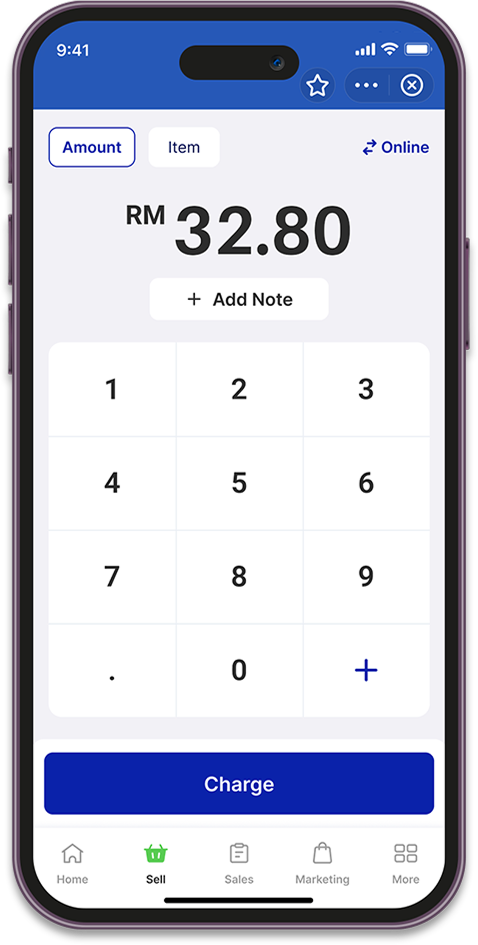
Selling Open Items (Amount)
Open the Settings app on your phone and tap Network
Select Wi-Fi

Tap the ⚙️ (Gear icon) next to the connected Wi-Fi network
Tap Share
A Wi-Fi QR code will appear on your screen and point the QR code at the BlueTap camera
BlueTap will automatically connect to the Wi-Fi network
BlueTap will automatically connect to the Wi-Fi network